
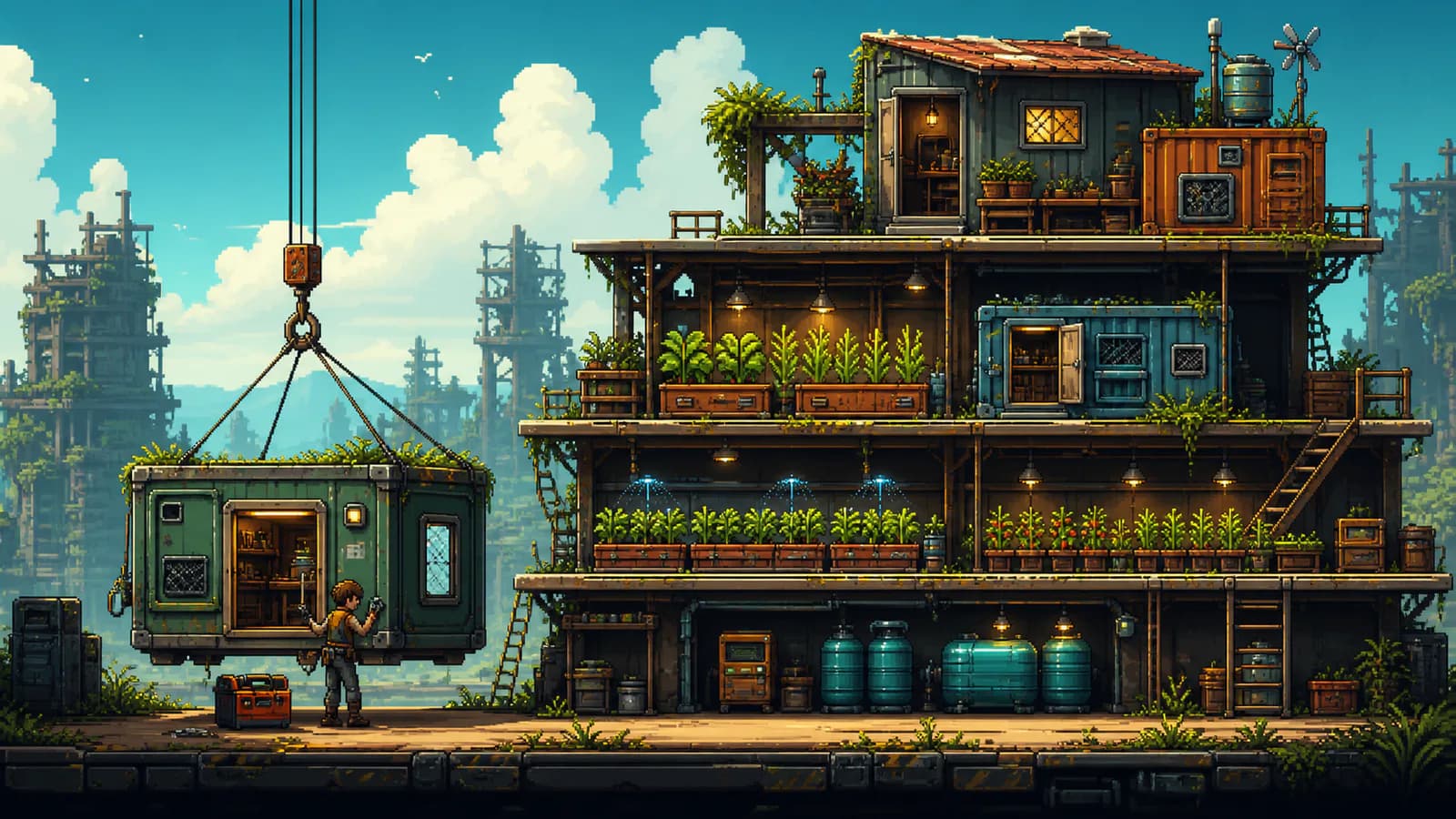
Use the Toolbox to deconstruct and rebuild early structures; it returns materials but only about 80% of the Goldcoin cost. After both Mody farm expansions, the Construction Controller is the verified no-loss option.
How to move buildings in Doloc Town
Doloc Town has two ways to reorganize farm buildings. The early-game Toolbox deconstructs a building so it can be rebuilt in a new position. The later Construction Controller moves buildings without losing building materials or Goldcoin.
Use the Toolbox for an urgent early correction, such as clearing a blocked doorway or opening a necessary Platform lane. Save a full farm redesign for the Construction Controller, which is the better tool for moving several structures in one pass.
Before changing crop rows, review the crop protection guide. Before changing sprinkler, storage, or processing lanes, sketch the new order with the farming automation guide so the rebuild solves a real workflow problem.
Get the Toolbox
Upgrade to a Copper Pickaxe, then speak with the Town Guard for the related task. The task can reward the Toolbox and its blueprint. A developer reply also states that the building-moving tool can be made at the Manual Workbench.
Mody sells the Toolbox or its blueprint in the Engineering Hangar. Her shop is open from 10:00 to 18:00. Check the task reward, Manual Workbench, and Mody's shop when the Copper Pickaxe route is complete.
What the Toolbox does
The Toolbox deconstructs a placed building rather than lifting it directly. It returns all construction materials and about 80% of the Goldcoin used to build it. A recorded Small Storage example returned 1,600G from a 2,000G construction cost.
Rebuild the structure after it has been removed. Because part of the Goldcoin cost is lost, use the Toolbox for necessary changes rather than repeated cosmetic rearrangement.
Unlock the Construction Controller
Complete Mody's two farm expansions, then buy the Construction Controller from Mody. The Controller moves buildings without sacrificing Goldcoin or construction materials. It was added as a game item in patch 0.92.33 and was later optimized in a major update.
The Controller is the useful choice when a farm needs a complete reorganization. Move storage, tents, containers, and other farm buildings only after clearing access lanes and collecting work in progress.
The supplied sources do not establish a reliable current purchase price for the Construction Controller. This page therefore lists the confirmed access condition and no-loss function without publishing a price or temporary storage capacity.
Protect crops and machines
Harvest every growing crop before removing its Plant Basin. Removing a basin with a growing crop returns the basin and Fiber but loses the crop and seed. Use the Sickle to clear the finished harvest before touching the basin or its supporting Platform.
Processing machines cannot be paused. A Pickaxe can remove a working machine and return the materials placed inside it. The mailbox and Cargo Drone landing pad can also be removed with a Pickaxe without using the Toolbox.
Follow the layout rules
Remove stacked Platforms from the top down. A lower Platform cannot be removed until the structures and Platforms above it are cleared. This rule applies before any rebuild of a vertical farm section.
Keep every building door clear. Buildings can be placed on the ground, on Platforms, and above other buildings, but the entrance must stay accessible. Leave a walk lane beside storage, machines, and crop rows after each move.
Choose the right moving method
| Method | Best time to use it | Confirmed result |
|---|---|---|
| Pickaxe removal | Mailbox, Cargo Drone landing pad, or a working machine | Removes the object; a working machine returns inserted materials |
| Toolbox | Necessary early building correction | Returns construction materials and about 80% of the Goldcoin cost |
| Construction Controller | Full redesign after two Mody farm expansions | Moves buildings without losing Goldcoin or construction materials |
The Toolbox is not a direct drag-and-drop move. It is a deconstruct-and-rebuild workflow, which is why repeated cosmetic changes cost Goldcoin. The Construction Controller is the confirmed no-loss option once its farm-expansion requirement has been completed.
Moving order
- Harvest all growing crops and collect finished machine output.
- Remove structures and Platforms above the section being changed.
- Use the Toolbox to deconstruct any early building that must move immediately.
- Rebuild with every entrance and travel lane clear.
- Complete Mody's farm expansions.
- Use the Construction Controller for a no-loss full-farm redesign.
After the rebuild, walk the whole farm once before restarting production. Check every door, ladder, storage interaction, sprinkler lane, and machine input. A compact layout is useful only when the daily route remains accessible; the beginner guide explains why early storage and movement efficiency matter more than cosmetic expansion.
How this guide was checked
Toolbox refunds and Construction Controller access were cross-checked against a developer reply, player follow-ups, patch history, and timestamped full-release footage.
- Steam discussion with developer replyToolbox availability and Construction Controller progression.
- SteamDB Doloc Town patch historyConstruction Controller release-history reference.
- 30+ Early Game Tips & Tricks videoFull-release gameplay demonstrations and timestamped route notes.
Reviewed by the Doloc Town Wiki editorial team for version 1.0 · Last evidence review: 2026-08-12 · Read the editorial policy
Rebuild a farm that is easier to automate
Plan storage, sprinkler lanes and weather protection before committing to a larger layout.
Doloc Town Farming Automation & Layout Guide